> ## Documentation Index
> Fetch the complete documentation index at: https://docs.soca.ai/llms.txt
> Use this file to discover all available pages before exploring further.
# Usage
> Discover how to track your AI allocation usage within the Workspace.
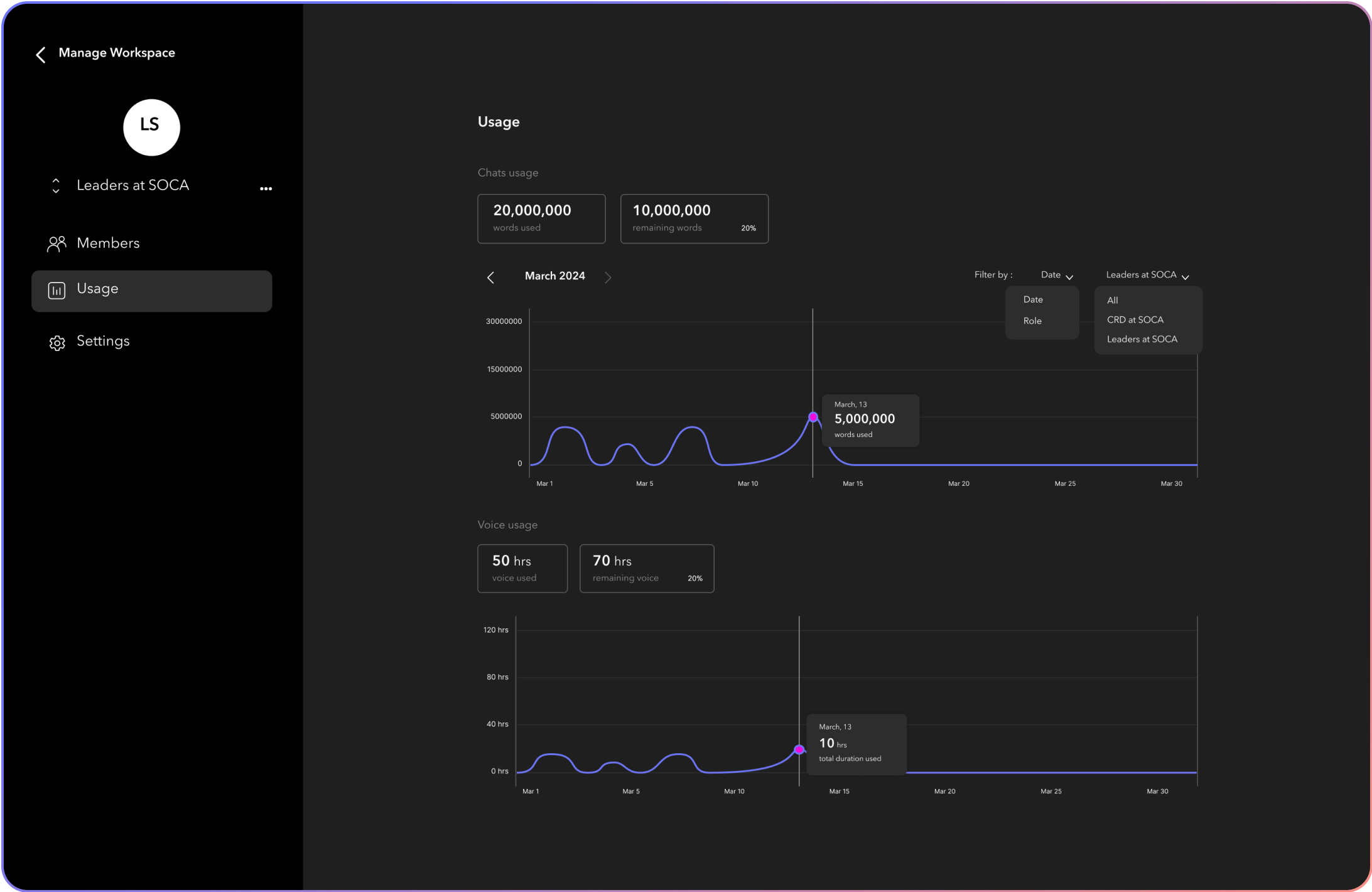 ## Monitoring Workspace Usage
Learn how your workspace utilizes resources and ensure your team operates within the limits of your chosen plan.
* **View Usage Details**, Navigate to Usage to see an overview of your current usage, including data storage, compute hours, and other resources.
* **Understand Your Limits**, Review the limits associated with your current plan. You can find the details about your plan's limits by checking your package information.
## Monitoring Workspace Usage
Learn how your workspace utilizes resources and ensure your team operates within the limits of your chosen plan.
* **View Usage Details**, Navigate to Usage to see an overview of your current usage, including data storage, compute hours, and other resources.
* **Understand Your Limits**, Review the limits associated with your current plan. You can find the details about your plan's limits by checking your package information.