> ## Documentation Index
> Fetch the complete documentation index at: https://docs.soca.ai/llms.txt
> Use this file to discover all available pages before exploring further.
# Settings
> Gain clarity on the roles and permissions in your workspace.
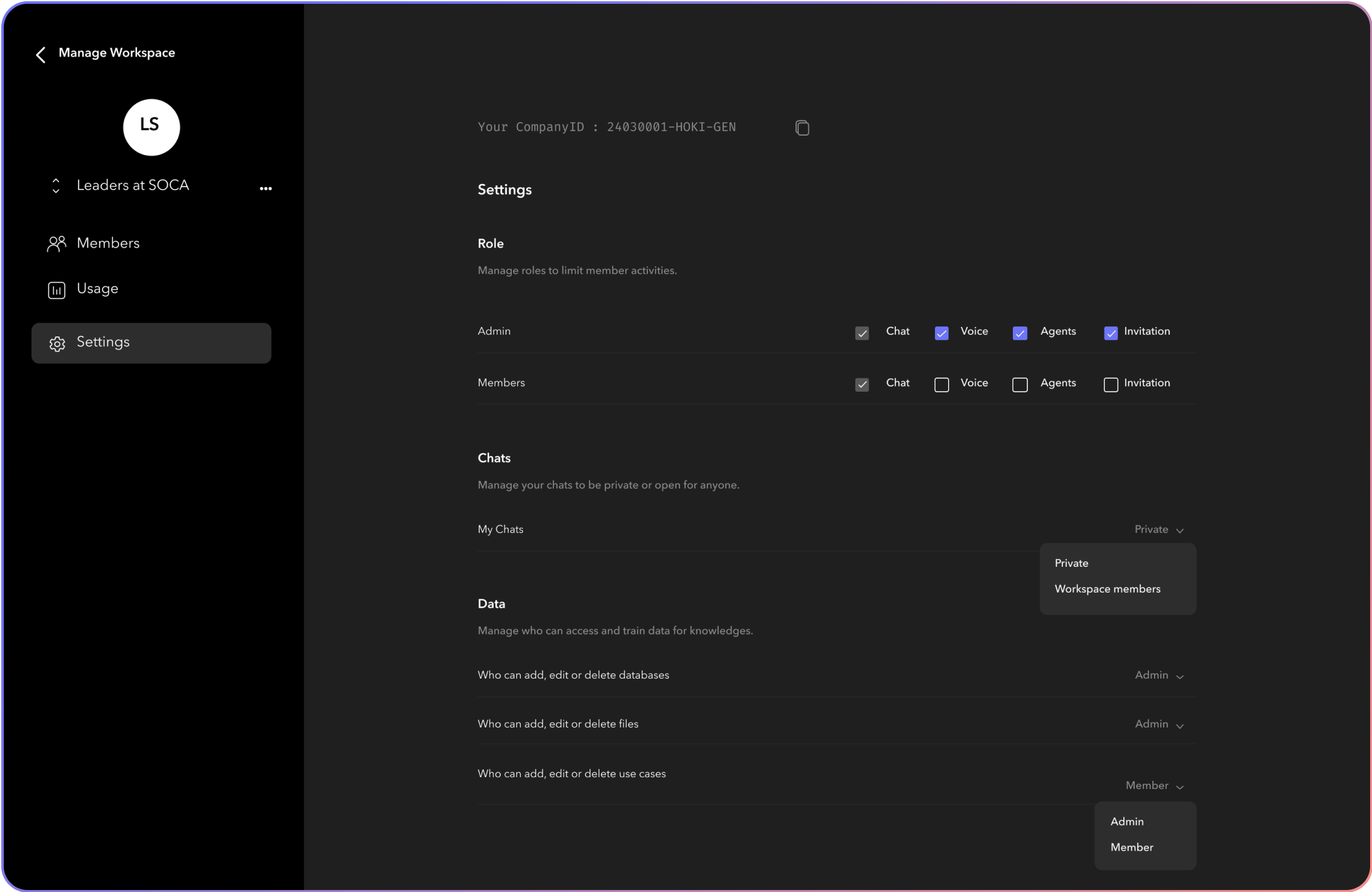 Permissions are tied directly to a user’s role, defining what actions they can and cannot perform within the workspace. It’s crucial for maintaining the integrity and security of your workspace.